This is Inspo
The best websites, handpicked weekly. Only the exceptional ones make it in.


Everything you need to find better ideas and build websites that stand out.
Go find the details that make your next project stand out. We'll keep adding new ones every week.
Unlock unlimited inspiration for your next project.
The best websites, handpicked weekly. Only the exceptional ones make it in.
Type what you need in your own words. Smart Search will find the best matches for you, or use filters to narrow things down.
Real transitions, buttons, and sections as paste-ready code. The details that make sites unforgettable.
Connect Details to your AI. Find the right inspiration, explore directions, and bring them into your project.
Give your AI access to the best of web design. Explore, combine, and bring your favorite ideas to life.
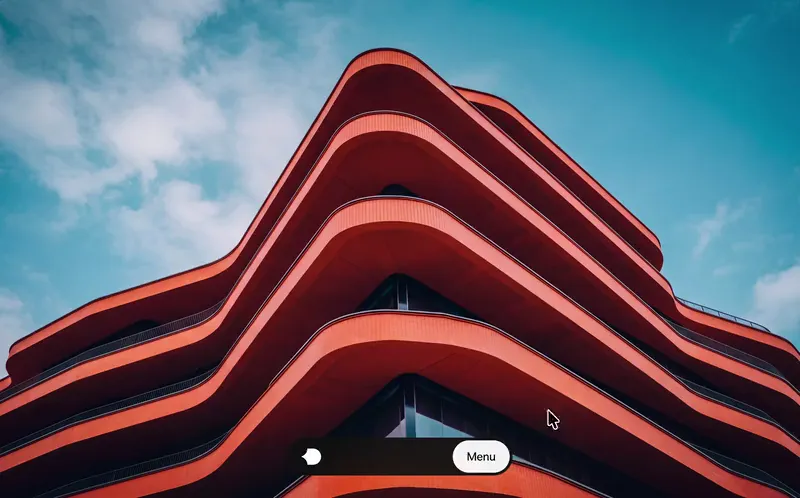
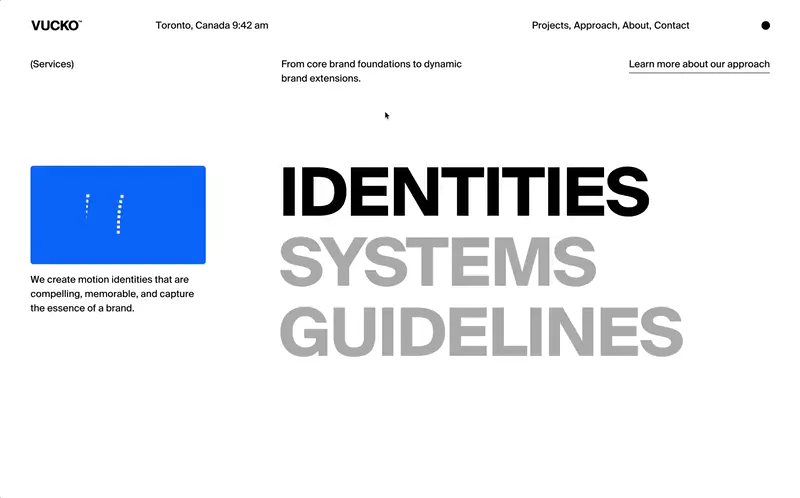

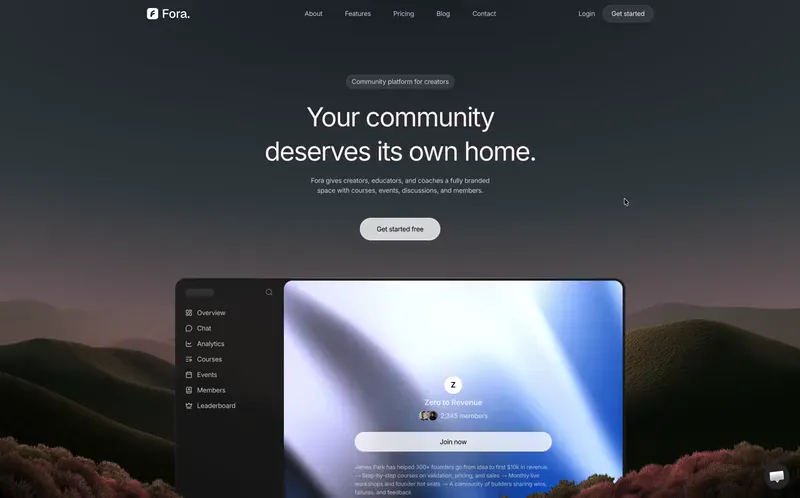


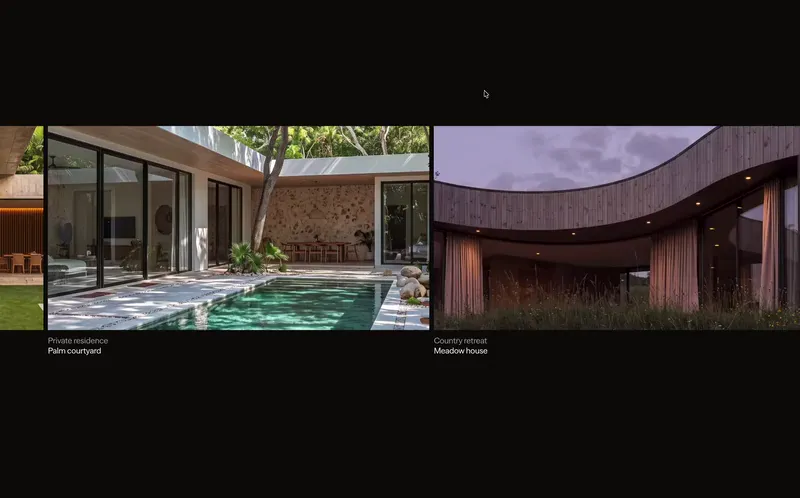
show me cool ways to present my services on my website
 ChatGPT
 Claude
 Codex
 v0
 Cursor
I’ll search Details for services sections that fit your project.
Used Details MCP integration
Here are five directions worth exploring.
explore four creative variations of this scroll animation
ChatGPT Claude Codex v0 Cursor I’ll read how this reference works before I change it.
Used Details MCP integration
Here are four variations of the same idea.
find a cool navigation in the Vault that could fit my project
ChatGPT Claude Codex v0 Cursor I’ll look in the Vault for navigations that fit your project.
Used Details MCP integration
These four would fit. Pick one and I’ll add it to your project.
“We used to lose hours hunting for references. Now we find an interaction we love on Details, then use the MCP to mix it with other ideas into something unique for our clients.”


Robin Monteiro
Co-Founder
“Details has been great as a way for me to quickly get more inspo, and using the MCP and especially the Vault feels like a secret cheat code to making unique sites with the kinds of details my clients love.”


James Frewin
Founder
“I've been really loving the curation at Details, and it has been so helpful to building custom websites for our users. It's the best library I've come across, and it has integrated seamlessly into our workflows.”


Daniel Kudish
Co-Founder
Connect your AI to thousands of handpicked layouts, sections, and interactions. It can explore the entire inspiration library and find ideas that actually fit what you’re building.
Found an interaction you love? Ask your AI to explore multiple creative variations, combine ideas from different references, and refine your favorite direction until it fits your project.
Grab ready-to-use animations, navigations, and interactions from the Vault. Copy the code or let your AI integrate and customize them directly in your project.
One command or one URL, then you sign in with your Details account.
Choose your client and we'll show you exactly how to connect it.
Run this once in a terminal to register Details for your user account.
claude mcp add details --scope user --transport http https://api.details.so/mcp Start Claude Code, enter the command below, then choose Details.
/mcp Choose Authenticate and sign in to your Details account in the browser.
Return to Claude Code and start searching Details.
In Cursor, open Settings → Tools & MCP and choose New MCP Server. Use global settings for every project, or project settings for one workspace.
Paste this configuration into your mcp.json file and save it.
{
  "mcpServers": {
    "details": {
      "url": "https://api.details.so/mcp"
    }
  }
} Back in Tools & MCP, find Details, choose Connect, and approve access in the browser.
Details is now available to Cursor in the scope you selected.
Run this once in a terminal to register the remote server.
codex mcp add details --url https://api.details.so/mcp Run the login command to open Details authorization in your browser.
codex mcp login details Sign in to Details, review the request, and choose Continue.
Return to Codex. Start a new session if it was already open during setup.
From the chat input, open the add menu, choose MCPs, then select Add MCP.
Name the connection Details and paste the remote server URL.
https://api.details.so/mcp Select OAuth when prompted, then sign in and approve Details access.
Details is now available from your v0 chat.
Open the integrations or MCP area in your AI client.
Create a remote HTTP MCP server named Details and paste this address.
https://api.details.so/mcp Use OAuth when available, then sign in and approve access to Details.
The Details tools should now appear in your client.
Your AI can generate websites, but it doesn’t necessarily know what great design looks like. Details connects it to 3,500+ handpicked references, giving it better creative direction and real interactions to learn from.
Instead of starting from generic patterns, you can explore exceptional design and build something original.
A screenshot only shows what something looks like, and a URL doesn’t always give your AI enough context to understand how an interaction behaves.
Details MCP provides curated references with visual and interaction context: the frames of an interaction in order, a description of what happens, and for many references the code behind it. That makes it easier for your AI to explore the details behind a design.
Details MCP works with MCP-compatible tools, including ChatGPT, Claude Code, Cursor, Codex and v0.
You can find step-by-step connection instructions on this page. Any other tool that supports remote MCP servers connects with the same server URL.
Details MCP is included in every paid plan.
Pro: full Inspo access through MCP, with 300 monthly credits.
Max: Inspo and Vault access through MCP, with 1,000 monthly credits.
Team: Inspo and Vault access through MCP for every teammate, with 2,000 monthly credits each.
Lifetime: Inspo and Vault access through MCP, with 2,000 monthly credits, for a single payment.
Credits are used when your AI retrieves something from Details, and the amount depends on the request. A search costs 2 credits, opening a reference costs 3, and a Vault search or resource costs 2.
For example, searching for a direction and opening the reference you like best costs 5 credits. One answer from your AI can involve several requests.
Your credits refill every month.
Every inspiration piece has a Remix button. It copies the piece as a reference you can paste into your AI and ask for whatever you want.
Manage the identity connected to your Details account.
Permanently remove your Details account and its associated data.
Review your personal plan and any Team access attached to your account.
Browse the latest Details releases with Starter access.
Manage shared access, seats, and the people you work with.
Invite teammates to save inspiration together, share boards, and add comments in one workspace.
Your MCP credits and the AI tools connected to your Details account.
Choose your client and we'll show you exactly how to connect it.
Run this once in a terminal to register Details for your user account.
claude mcp add details --scope user --transport http https://api.details.so/mcp Start Claude Code, enter the command below, then choose Details.
/mcp Choose Authenticate and sign in to your Details account in the browser.
Return to Claude Code and start searching Details.
In Cursor, open Settings → Tools & MCP and choose New MCP Server. Use global settings for every project, or project settings for one workspace.
Paste this configuration into your mcp.json file and save it.
{
  "mcpServers": {
    "details": {
      "url": "https://api.details.so/mcp"
    }
  }
} Back in Tools & MCP, find Details, choose Connect, and approve access in the browser.
Details is now available to Cursor in the scope you selected.
Run this once in a terminal to register the remote server.
codex mcp add details --url https://api.details.so/mcp Run the login command to open Details authorization in your browser.
codex mcp login details Sign in to Details, review the request, and choose Continue.
Return to Codex. Start a new session if it was already open during setup.
From the chat input, open the add menu, choose MCPs, then select Add MCP.
Name the connection Details and paste the remote server URL.
https://api.details.so/mcp Select OAuth when prompted, then sign in and approve Details access.
Details is now available from your v0 chat.
Open the integrations or MCP area in your AI client.
Create a remote HTTP MCP server named Details and paste this address.
https://api.details.so/mcp Use OAuth when available, then sign in and approve access to Details.
The Details tools should now appear in your client.
Handpicked from the most original, high-end design on the web. Now available directly to your AI.
See how it worksTell your AI what you’re working on and get relevant references directly from Details.

Explore the references together. Mix a layout from one, motion from another, or simply choose the direction that feels right.

Your AI understands how each reference works and can adapt those ideas to your own project.

Check your account's MCP access, then connect your assistant.
Sign in or create an accountChoose your client and we'll show you exactly how to connect it.
Run this once in a terminal to register Details for your user account.
claude mcp add details --scope user --transport http https://api.details.so/mcp Start Claude Code, enter the command below, then choose Details.
/mcp Choose Authenticate and sign in to your Details account in the browser.
Return to Claude Code and start searching Details.
In Cursor, open Settings → Tools & MCP and choose New MCP Server. Use global settings for every project, or project settings for one workspace.
Paste this configuration into your mcp.json file and save it.
{
  "mcpServers": {
    "details": {
      "url": "https://api.details.so/mcp"
    }
  }
} Back in Tools & MCP, find Details, choose Connect, and approve access in the browser.
Details is now available to Cursor in the scope you selected.
Run this once in a terminal to register the remote server.
codex mcp add details --url https://api.details.so/mcp Run the login command to open Details authorization in your browser.
codex mcp login details Sign in to Details, review the request, and choose Continue.
Return to Codex. Start a new session if it was already open during setup.
From the chat input, open the add menu, choose MCPs, then select Add MCP.
Name the connection Details and paste the remote server URL.
https://api.details.so/mcp Select OAuth when prompted, then sign in and approve Details access.
Details is now available from your v0 chat.
Open the integrations or MCP area in your AI client.
Create a remote HTTP MCP server named Details and paste this address.
https://api.details.so/mcp Use OAuth when available, then sign in and approve access to Details.
The Details tools should now appear in your client.
Give friends 10% off and unlock rewards as they join.
An active Pro, Max, or Lifetime plan is required to share this link.
Share your link
A friend joins
Your setup gets better
Share your unique link with friends. When someone joins Details through your link and subscribes to a paid plan, they count as a successful referral and move you closer to your next reward.
A referral counts when a new customer joins through your unique link and subscribes to a paid Details plan. Refunded, disputed, fraudulent, or otherwise reversed purchases don’t count. You can find the full eligibility rules in our Referral Program Terms.
Rewards unlock automatically as you reach each referral milestone. We’ll let you know whenever you’ve unlocked something new.
Click Claim under an unlocked reward and confirm. We’ll apply Details credit or Lifetime to your account after review. For AirPods Pro and Apple Studio Display, we’ll contact you to arrange delivery.
Apple Studio Display unlocks at 30 successful referrals. It’s the fourth and final reward. Each reward can be claimed once.
Fixed rewards are generally provided as shown and can’t be exchanged for cash. If there’s an issue receiving a physical reward in your country, get in touch and we’ll see what we can do.
No. Self-referrals, duplicate accounts, fake accounts, or other attempts to artificially generate referrals aren’t eligible. See our Referral Program Terms for the complete rules.
You’ll find all eligibility requirements, reward conditions, shipping rules, and other details in our Referral Program Terms .


